

- Your customer sees a convenient webpage that guides them through the payment process.
- You receive funds in the currency you requested, regardless of the customer’s payment currency.
- CryptoProcessing takes care of conversion and issues automatic refunds for underpayments and overpayments.
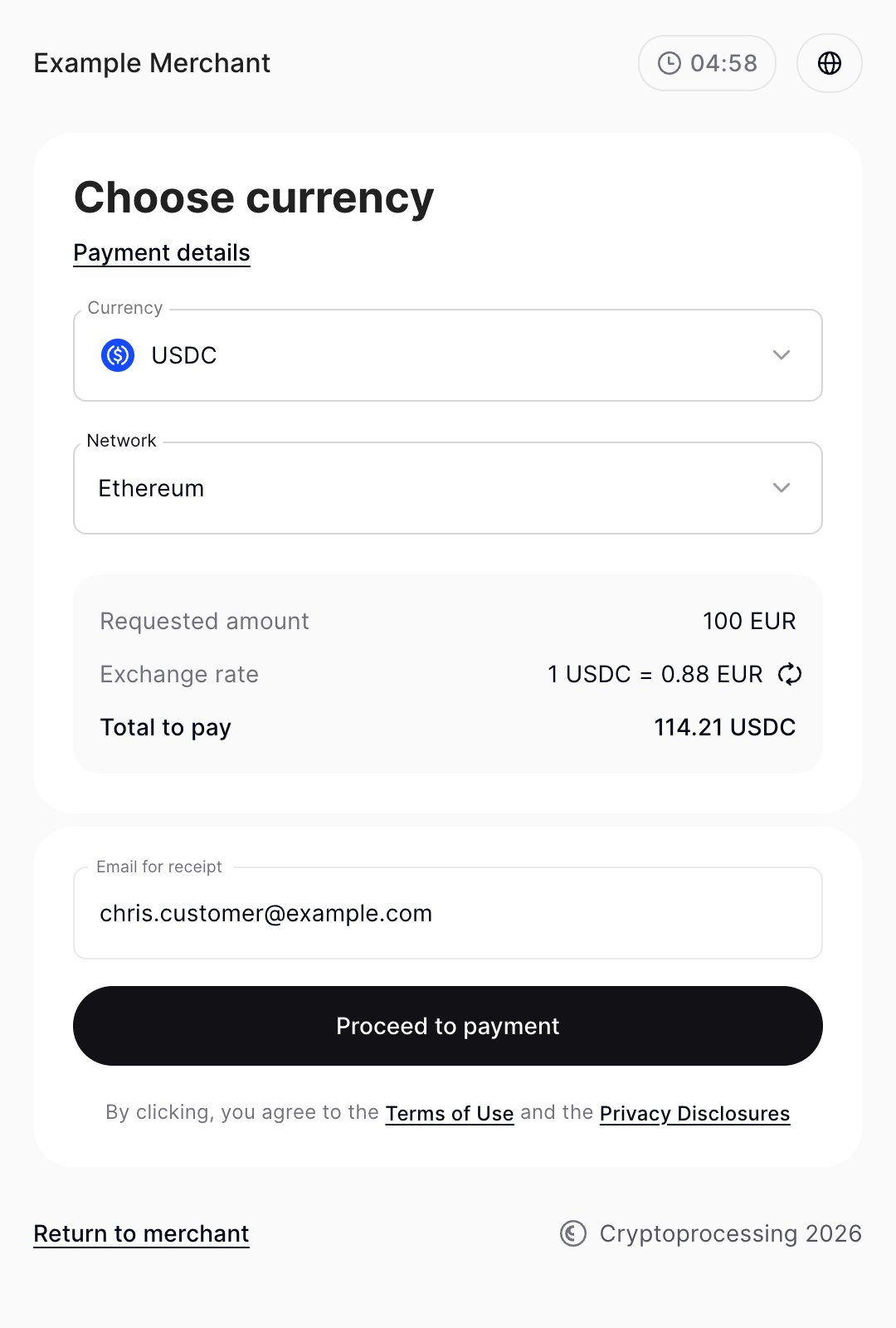
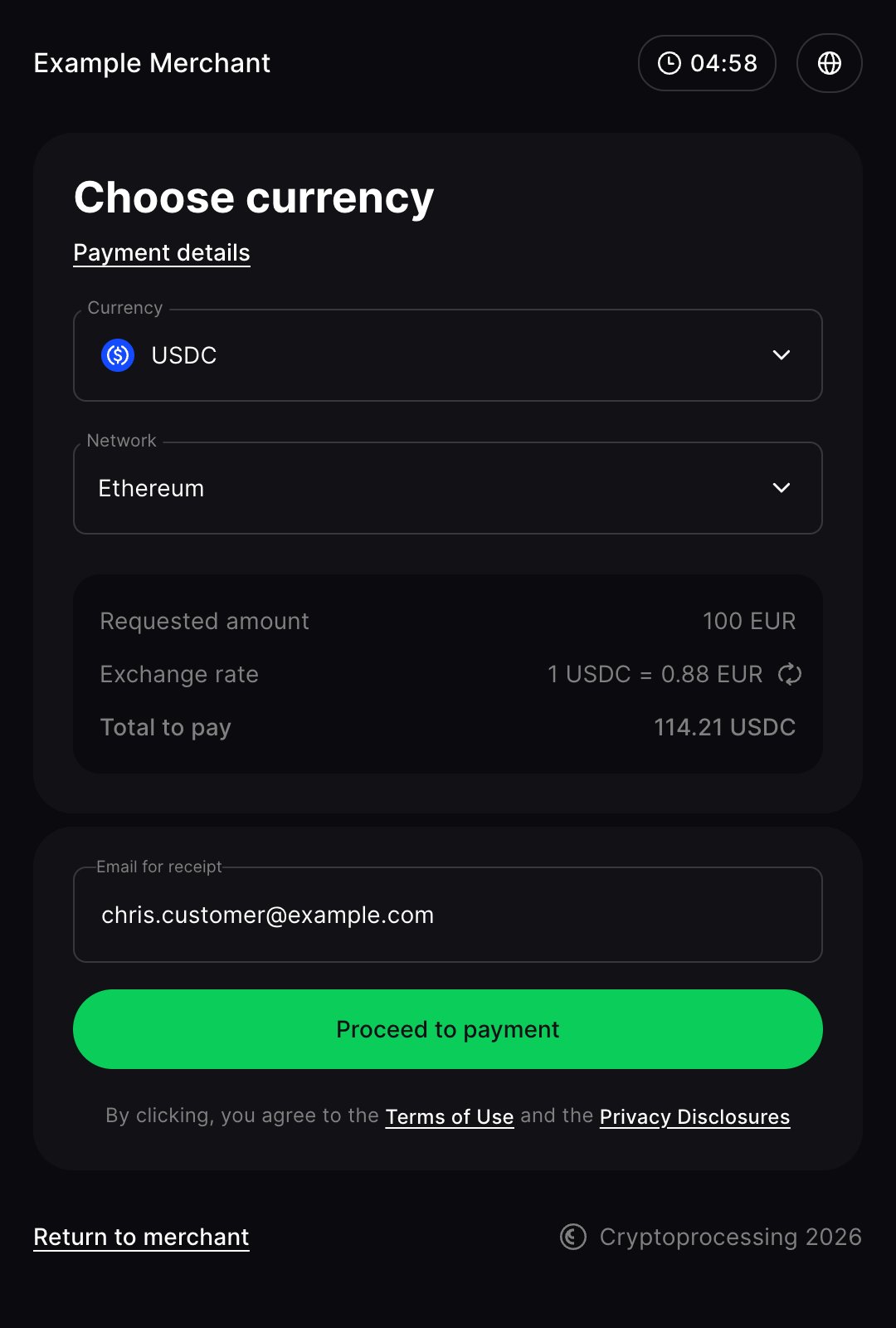
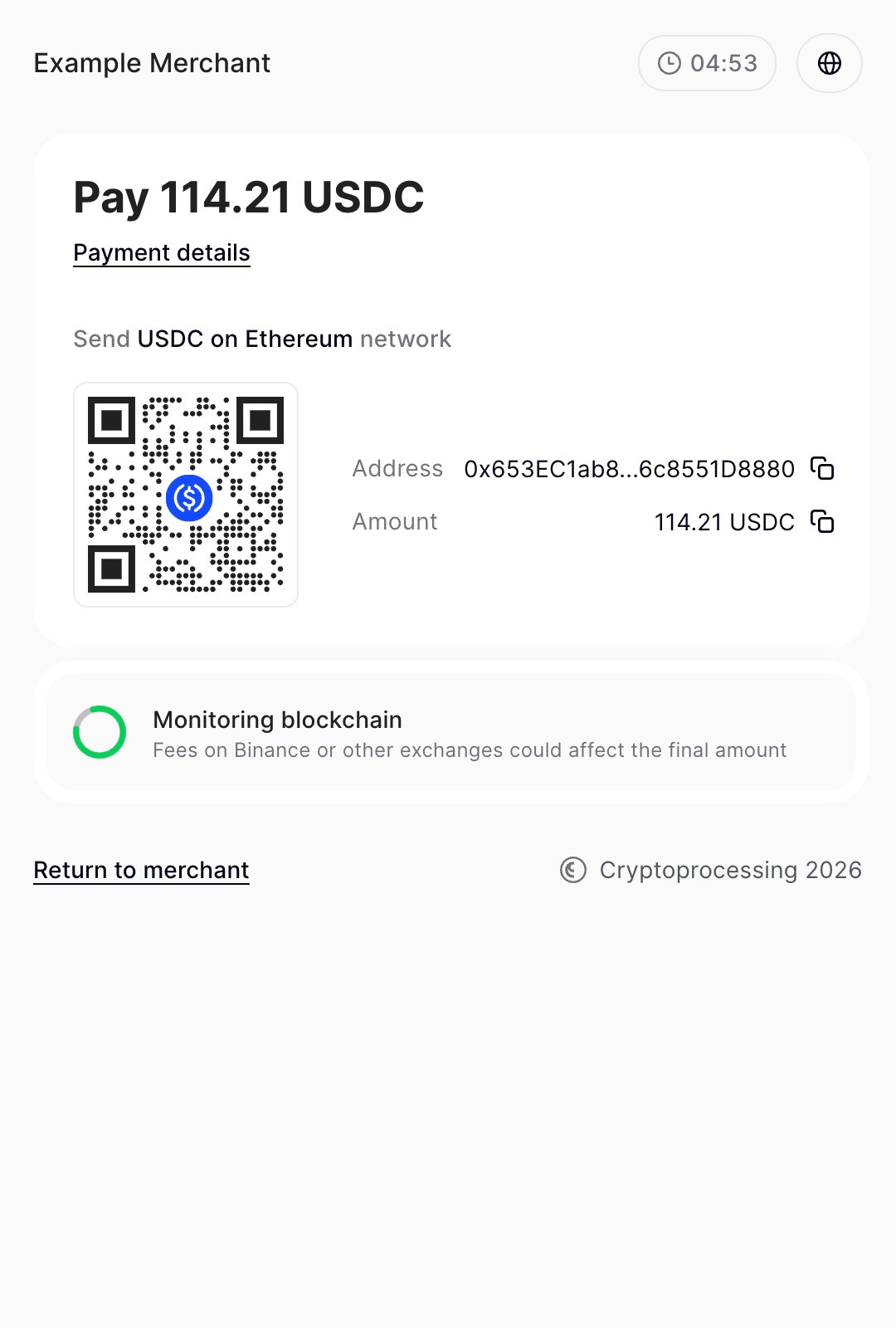
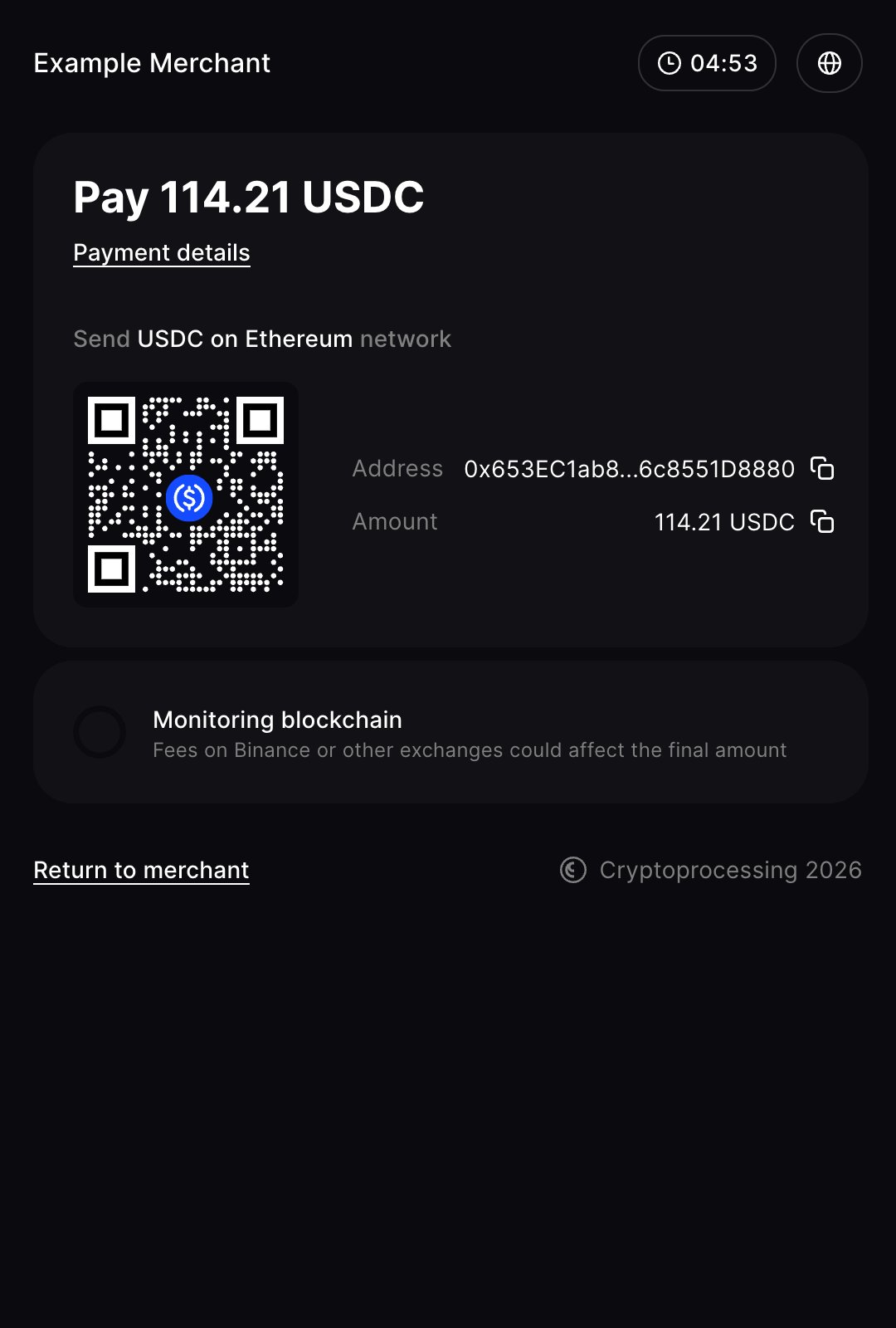
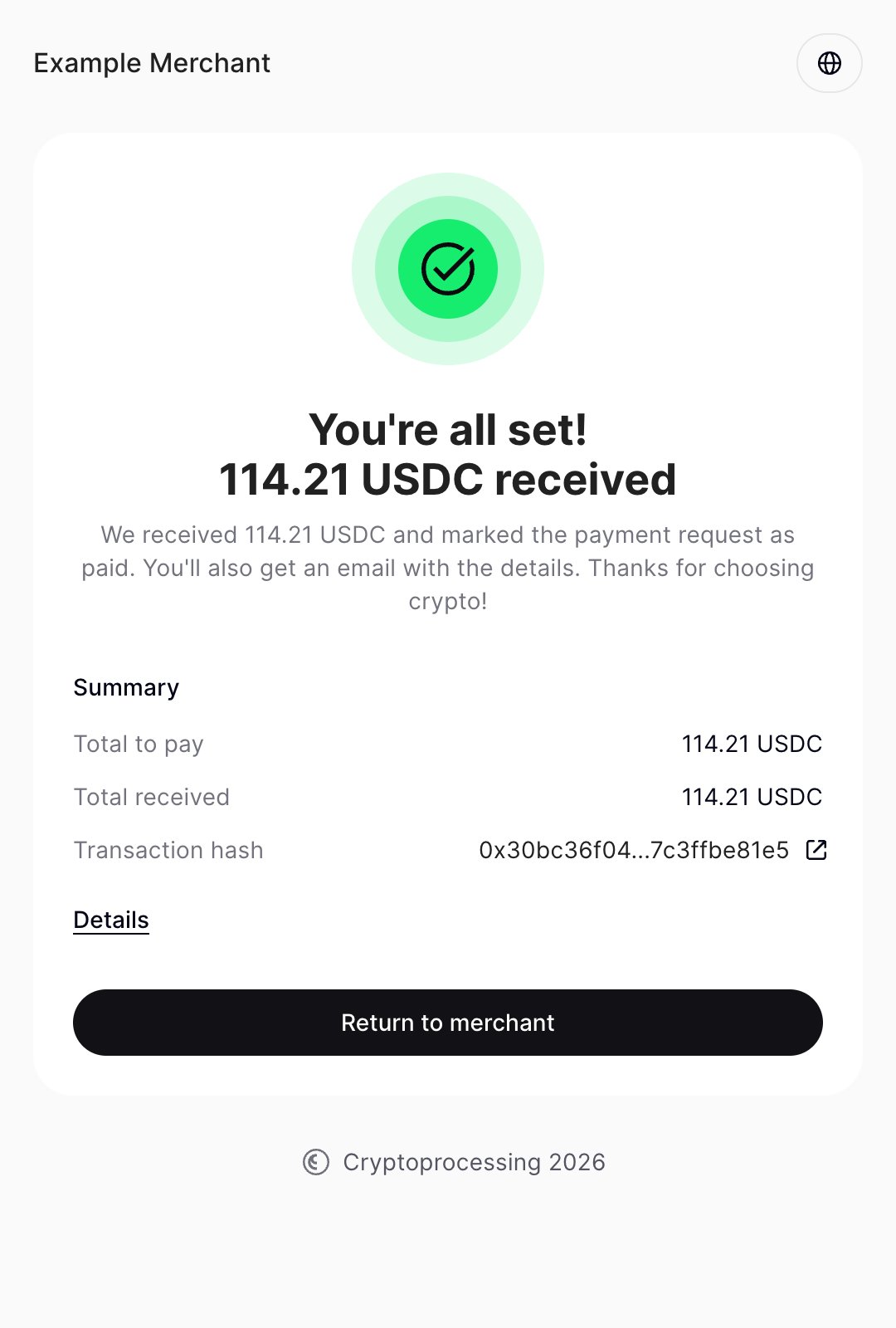
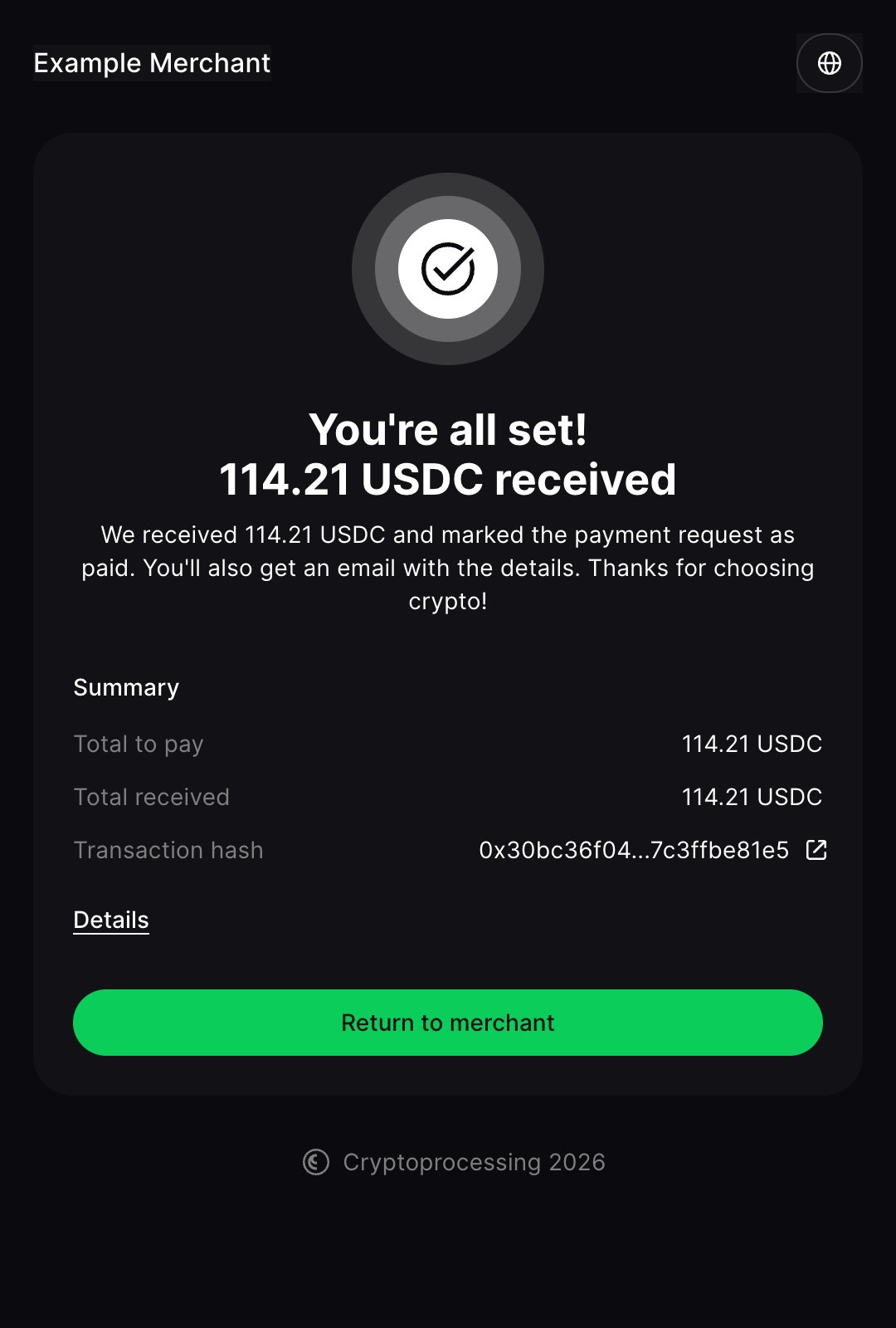
Currency selection
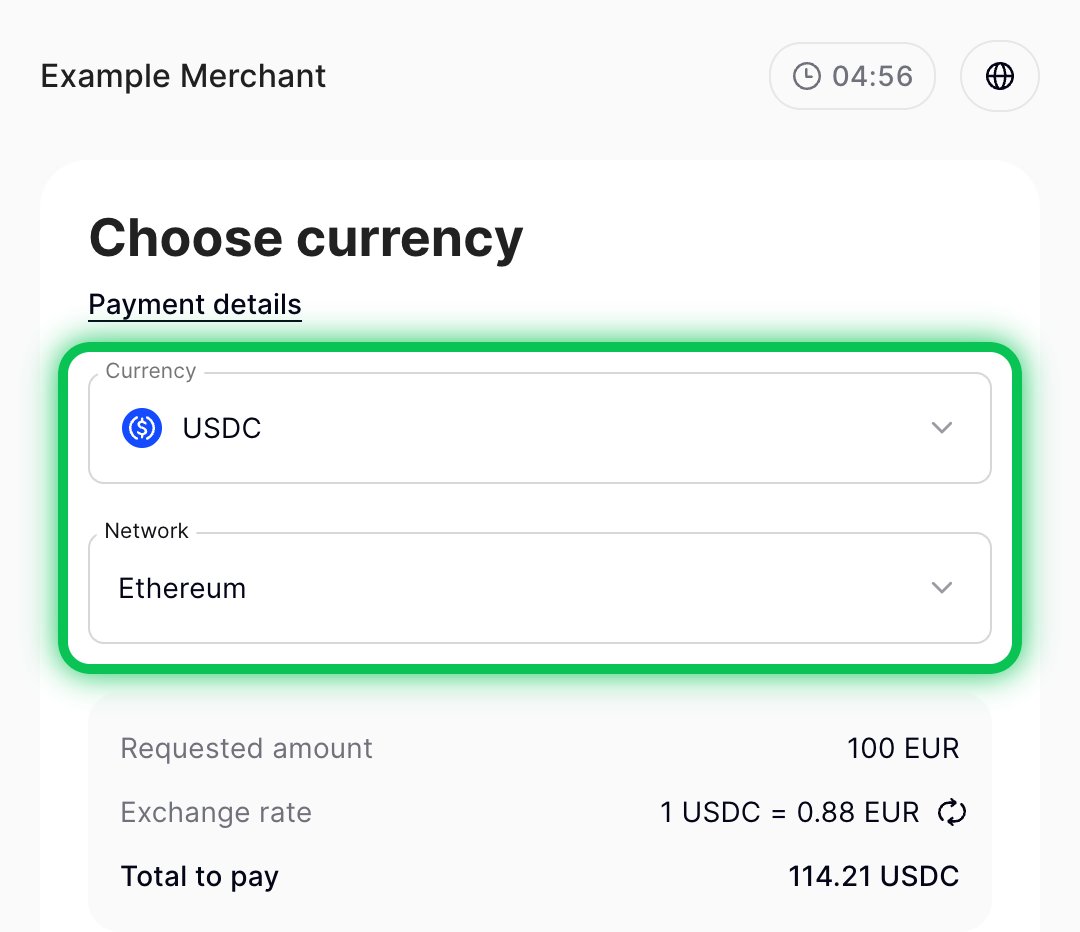
When creating a payment request, you specify the expected currency — the fiat or cryptocurrency you want to receive. The payment currency is chosen at checkout by your customer from the allowed currencies (you can customize the selection), or it can be set explicitly via thepayment_currency parameter in the API request.
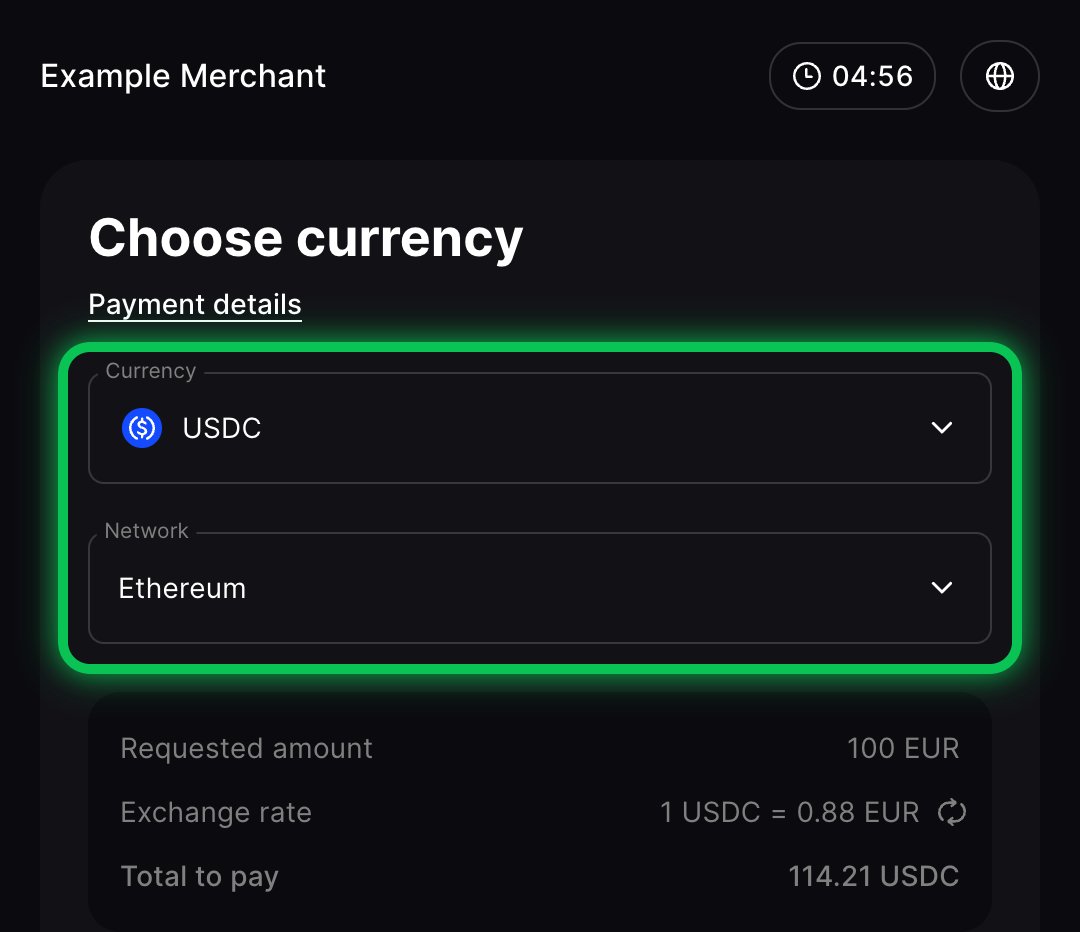
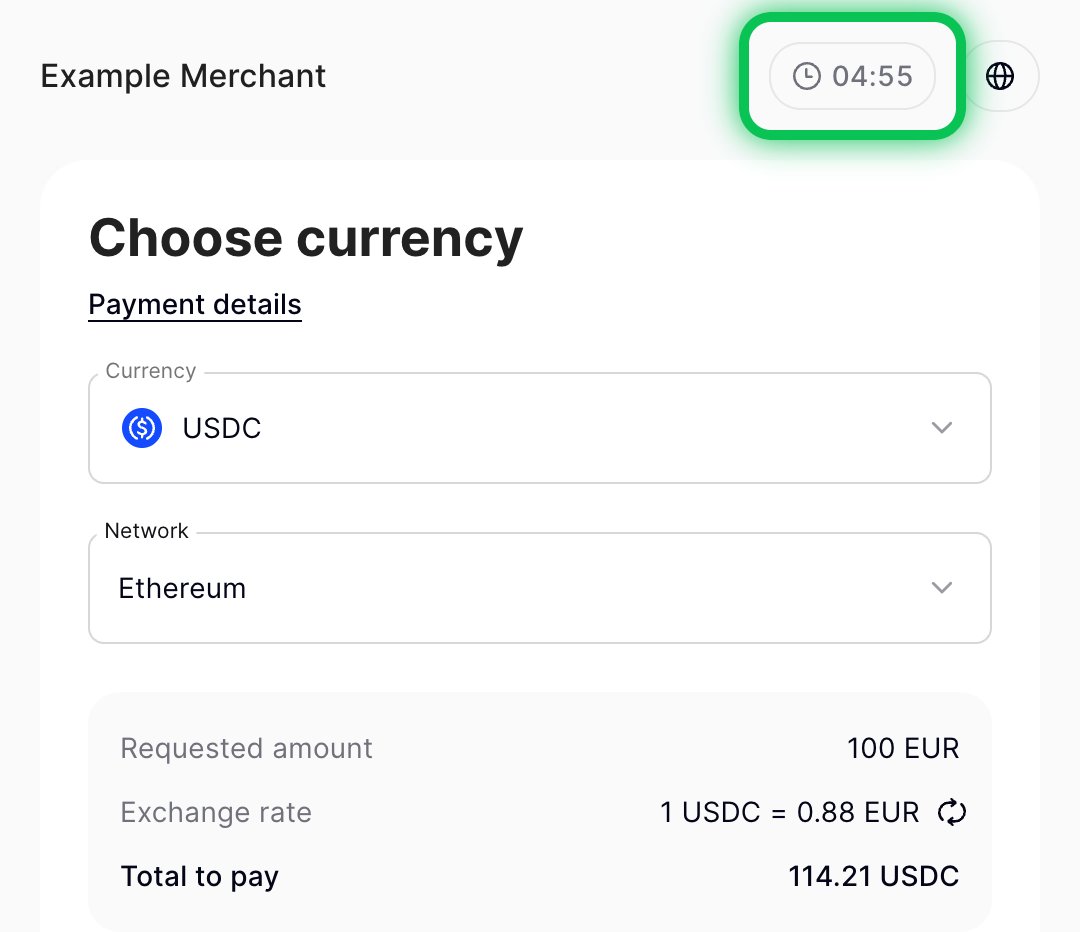
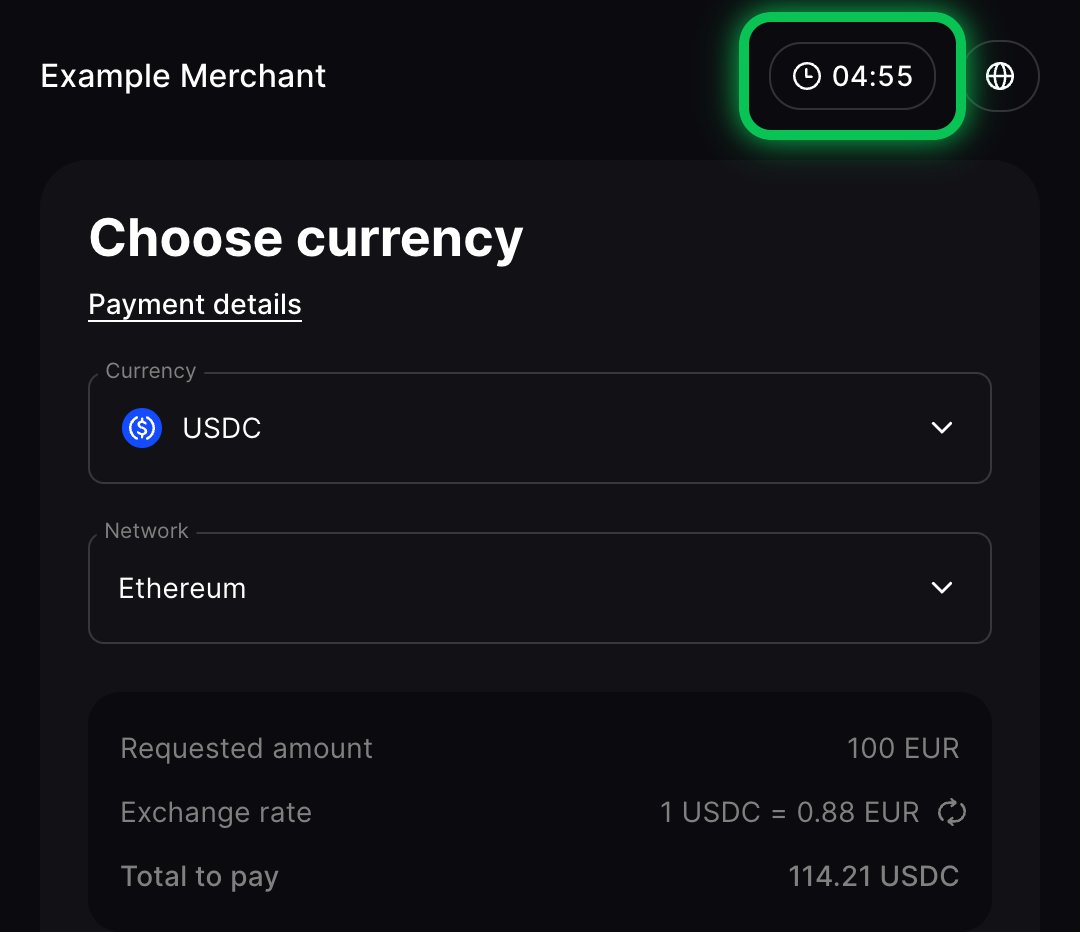
If the customer pays in a currency that’s different from the expected currency, CryptoProcessing converts the funds automatically, so you still receive the exact amount and currency you requested. The conversion rate is locked for up to 1 hour while awaiting a transaction for the customer.
The total amount to pay never changes after the rate lock. It may include the processing fee for the selected currency if you pass the processing fee to the customer.
Refunds are issued in the same currency the customer used to pay the request.
Lifespan and rate lock
There are two time constraints applicable to a payment request.- The lifespan is set by you when you create a payment request. The customer’s transaction must be both created and confirmed within this lifespan, or the payment request expires.
- The rate lock is applied if the customer chooses a payment currency that differs from the expected currency. CryptoProcessing locks the conversion rate for up to 1 hour (or less, if the lifespan ends sooner). The customer’s transaction must be both created and confirmed within the rate lock period, or the payment request expires.
Further reading
Integration guide for payment requests
Learn how to integrate the payment requests flow into your site
Test cases for payment requests
Walk through all scenarios to make sure your integration works correctly
/payments/v1/requests
API endpoint
payment_request
API callback