

Supported currencies
See the full list of supported cryptocurrencies, networks, and fiat.
Confirmations and limits
Required confirmations and minimum deposit & withdrawal amounts per currency.
Common use cases
- Create payment links
- Accept crypto deposits
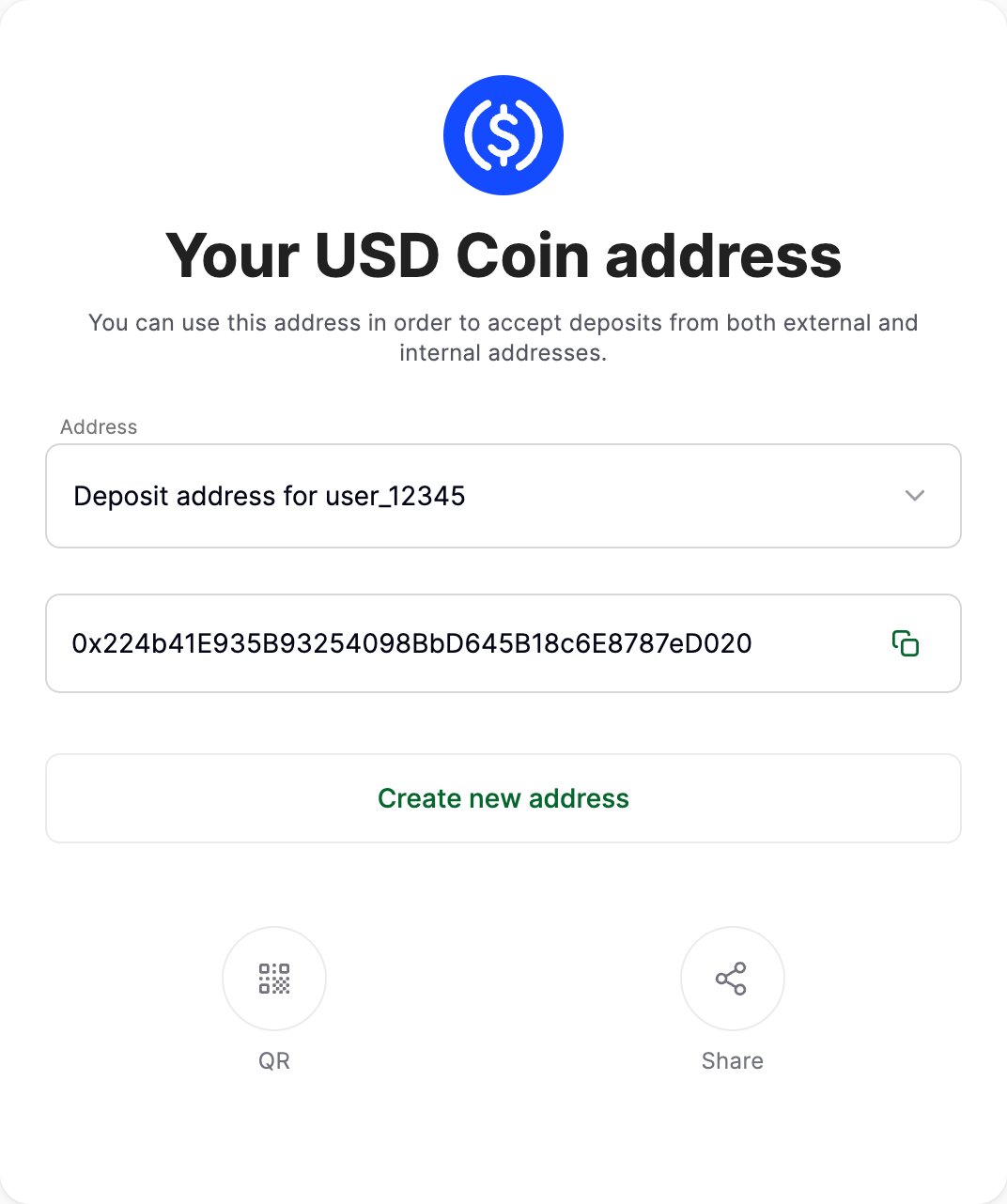
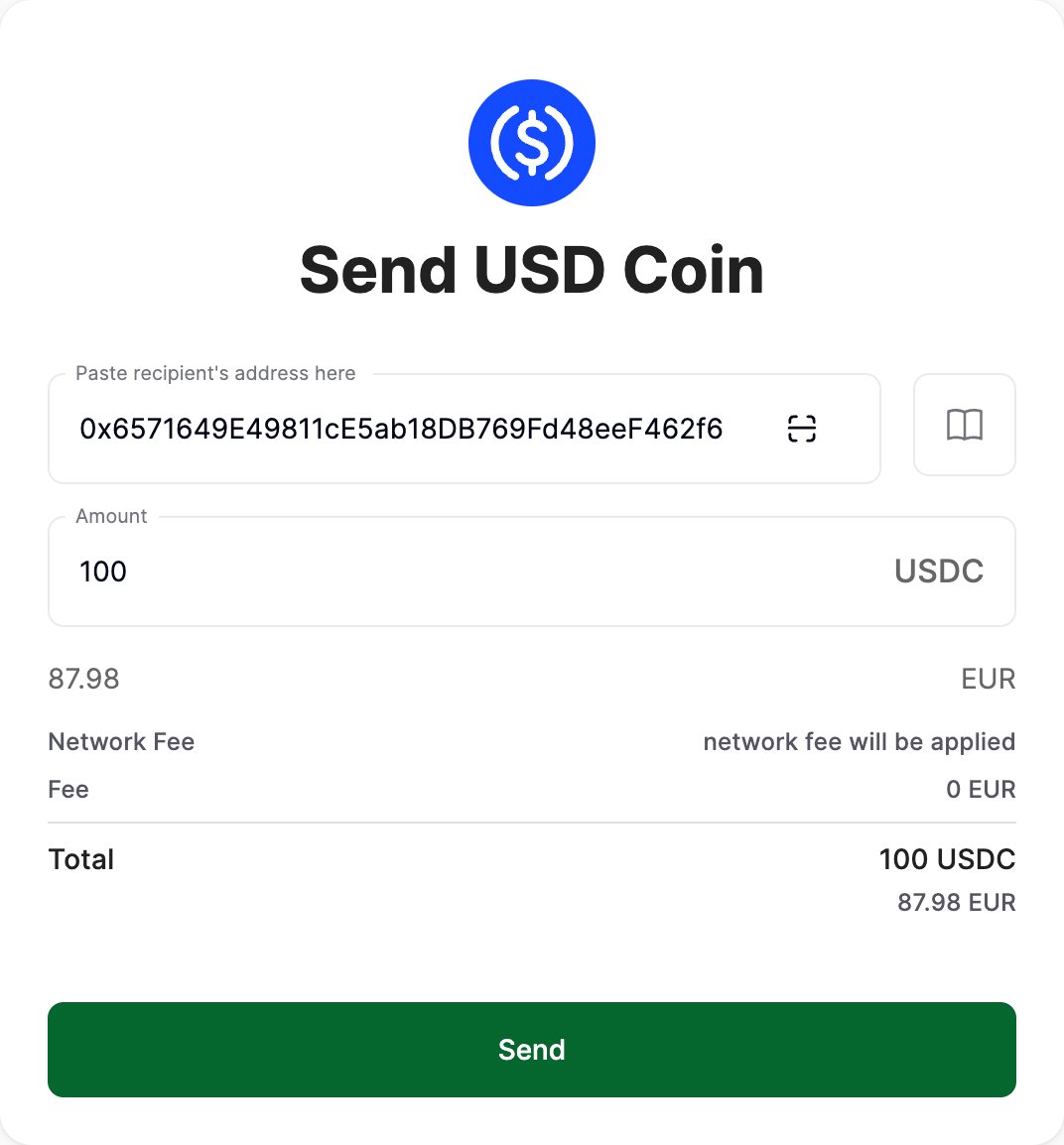
- Send crypto
1
Create a payment request
Set the amount, the currency you want, and the lifespan.
2
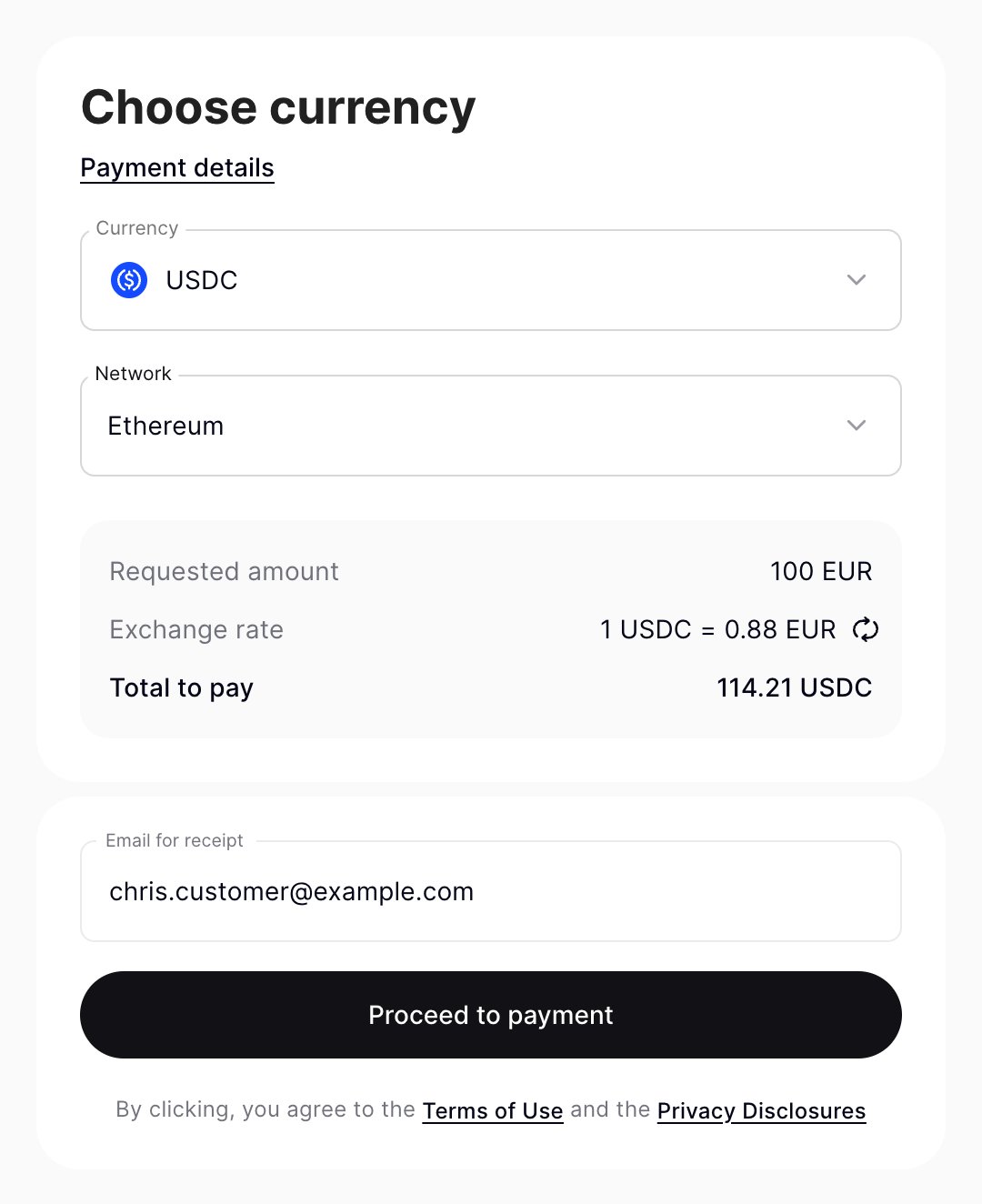
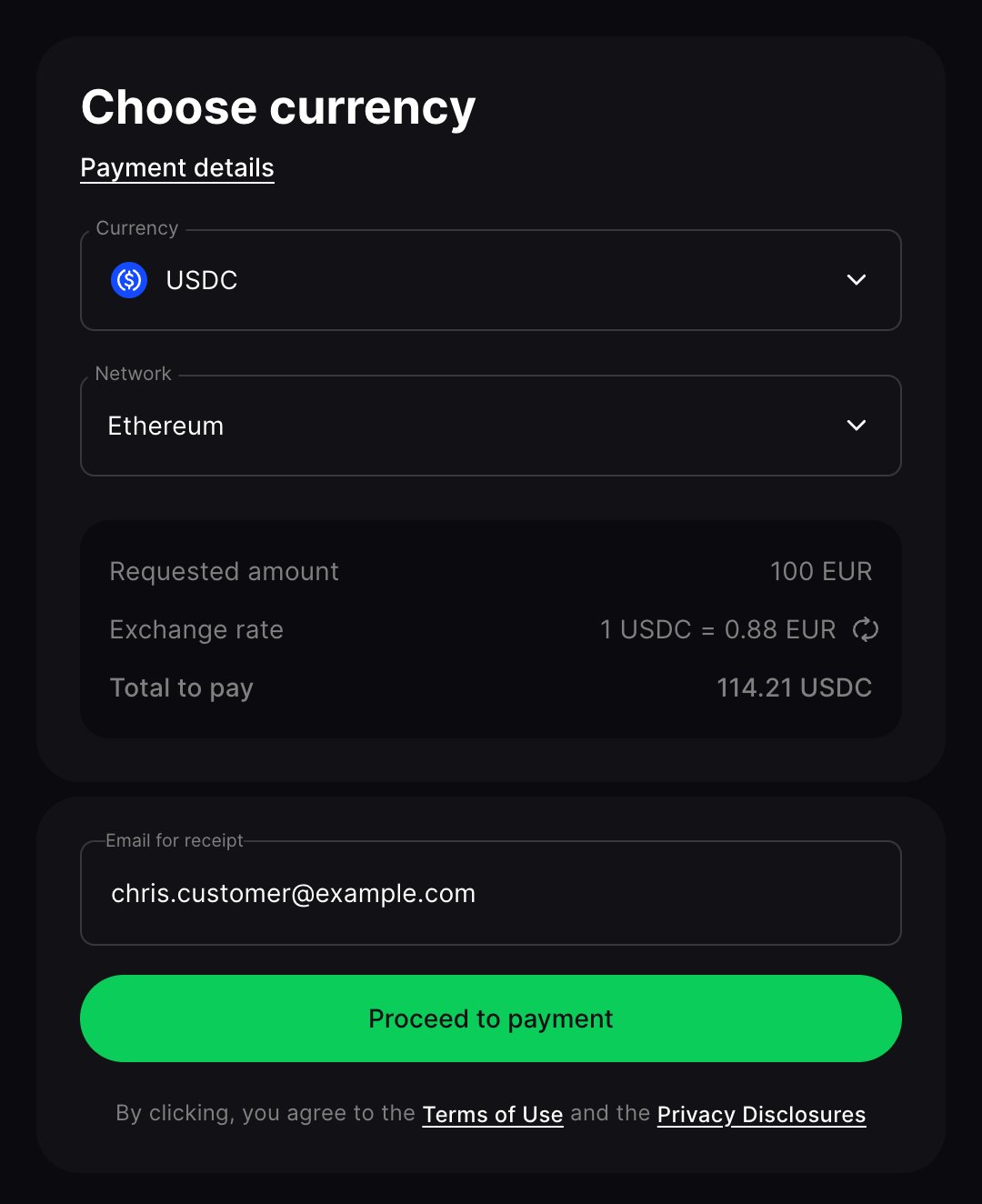
Redirect your customer to pay
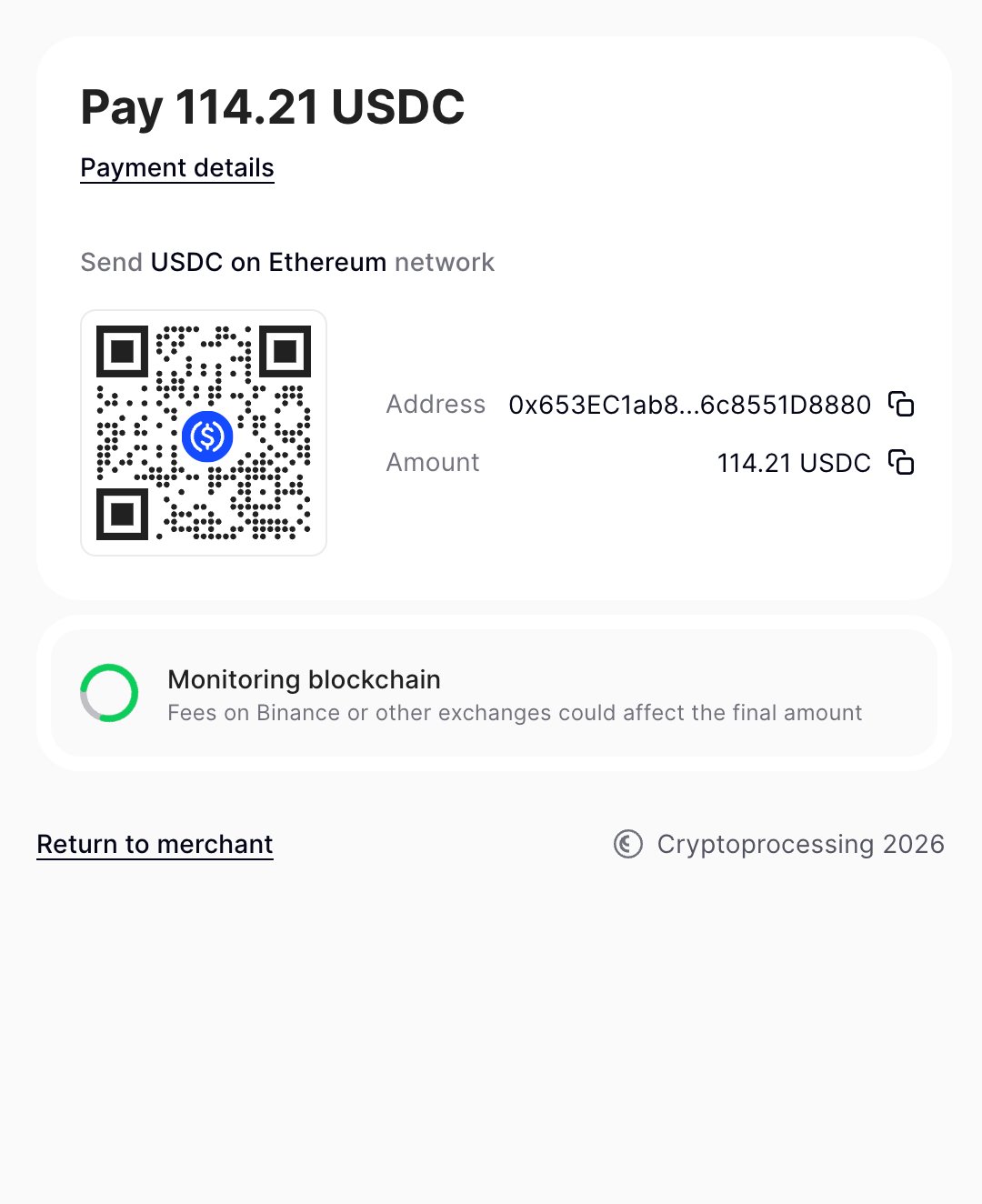
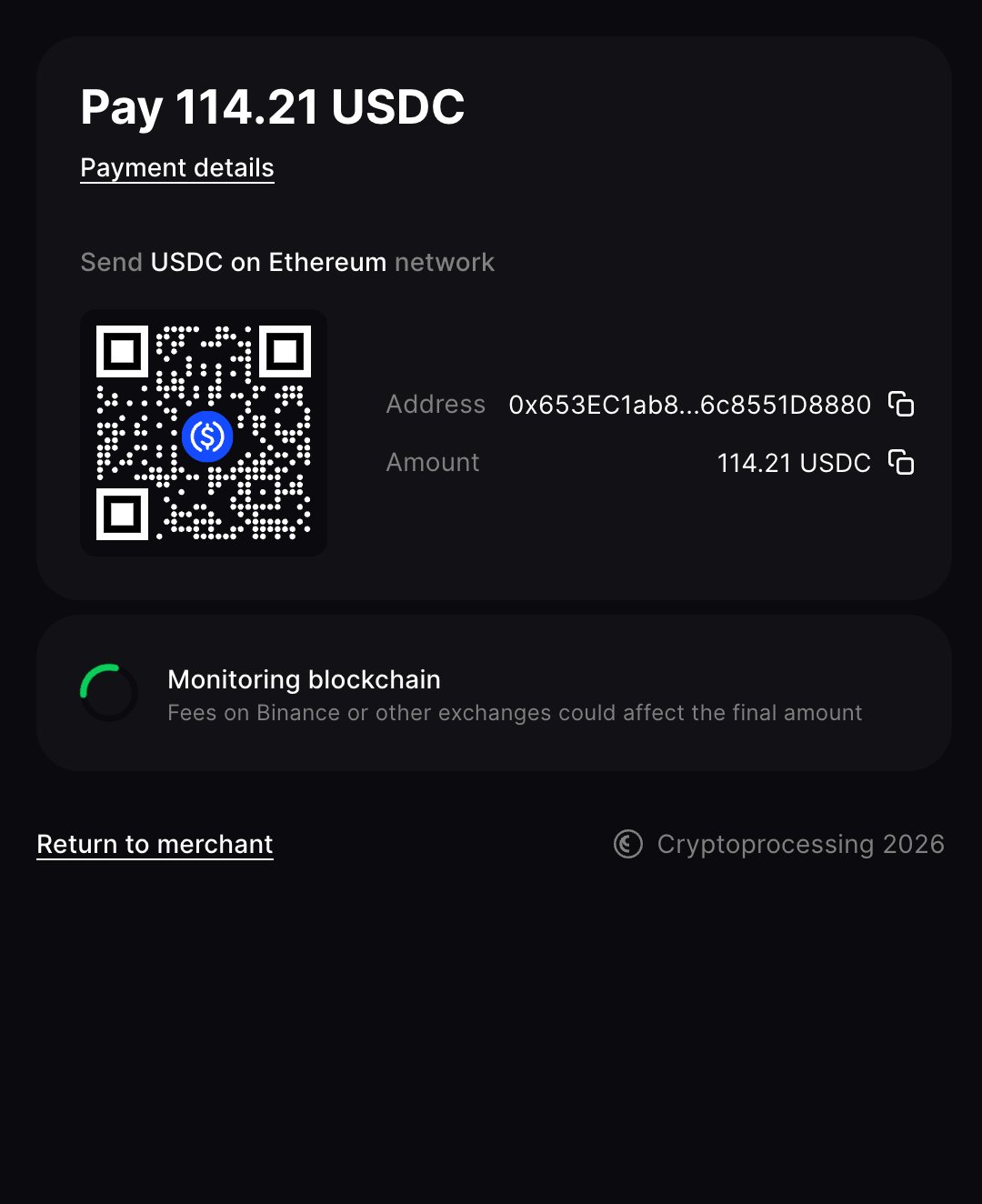
They complete it on a hosted page showing the payment details and available options.
3
Receive the exact amount
Once confirmed, the rate is locked and conversion is handled for you.
More features
Exchanges
Swap between crypto and fiat currencies within your merchant account, via the portal or API.
Mass payouts
Disburse crypto to many recipients at once. Supports multiple currencies and amounts in a single batch.
Top up fiat balance
Fund your fiat balance via bank transfer or crypto. Create a top-up order first, then send the transfer from your bank.
Withdraw fiat
Withdraw funds from your fiat balance to a verified bank account directly from the portal.
Merchant account setup
Users & roles
Add or remove users, assign roles, and set up login and 2FA.
Security settings
Withdrawal limits, balance notifications, and other safeguards.
API setup
Generate an API key and register a callback URL.
Compliance
User data collection
What customer data you need to collect and why.