

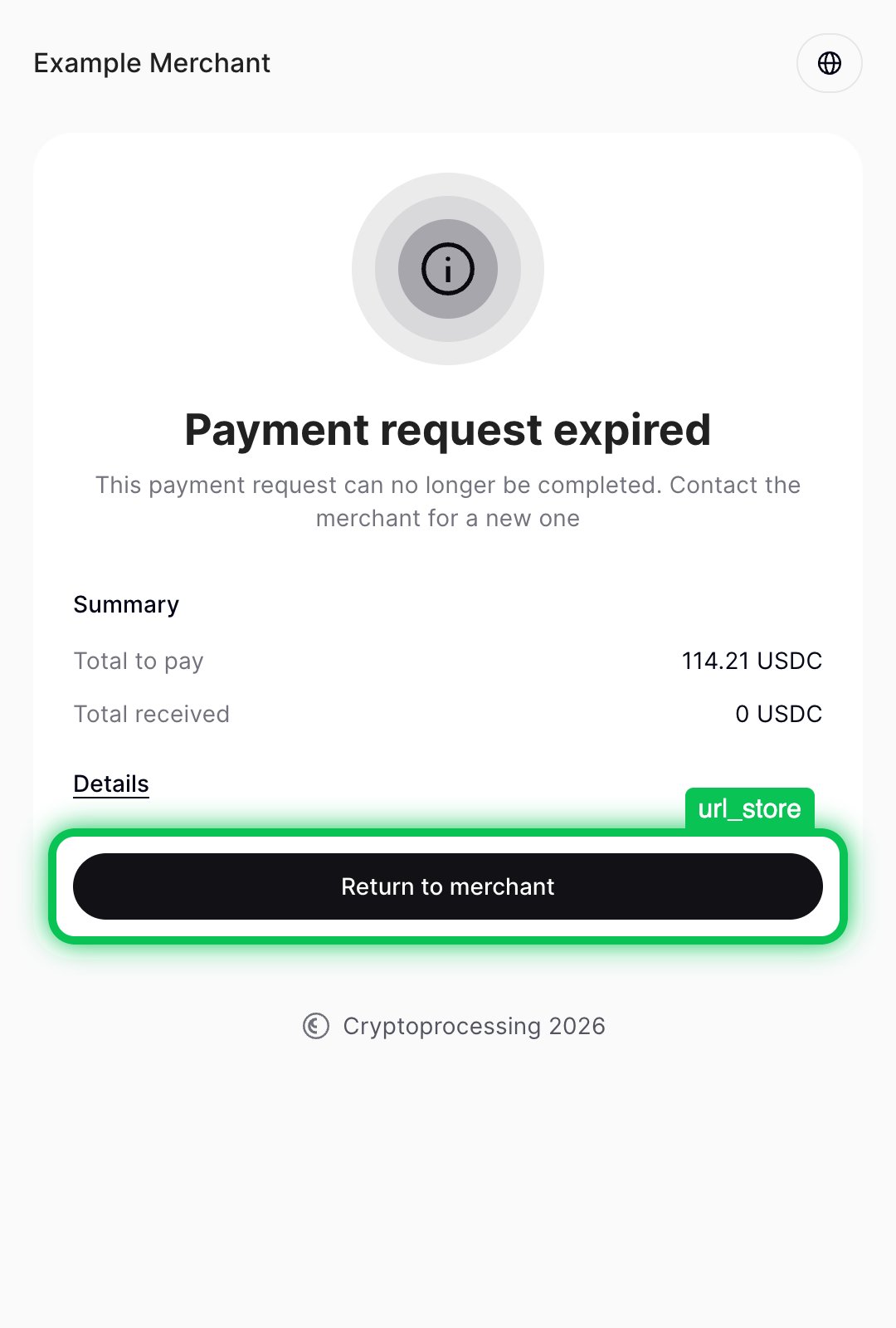
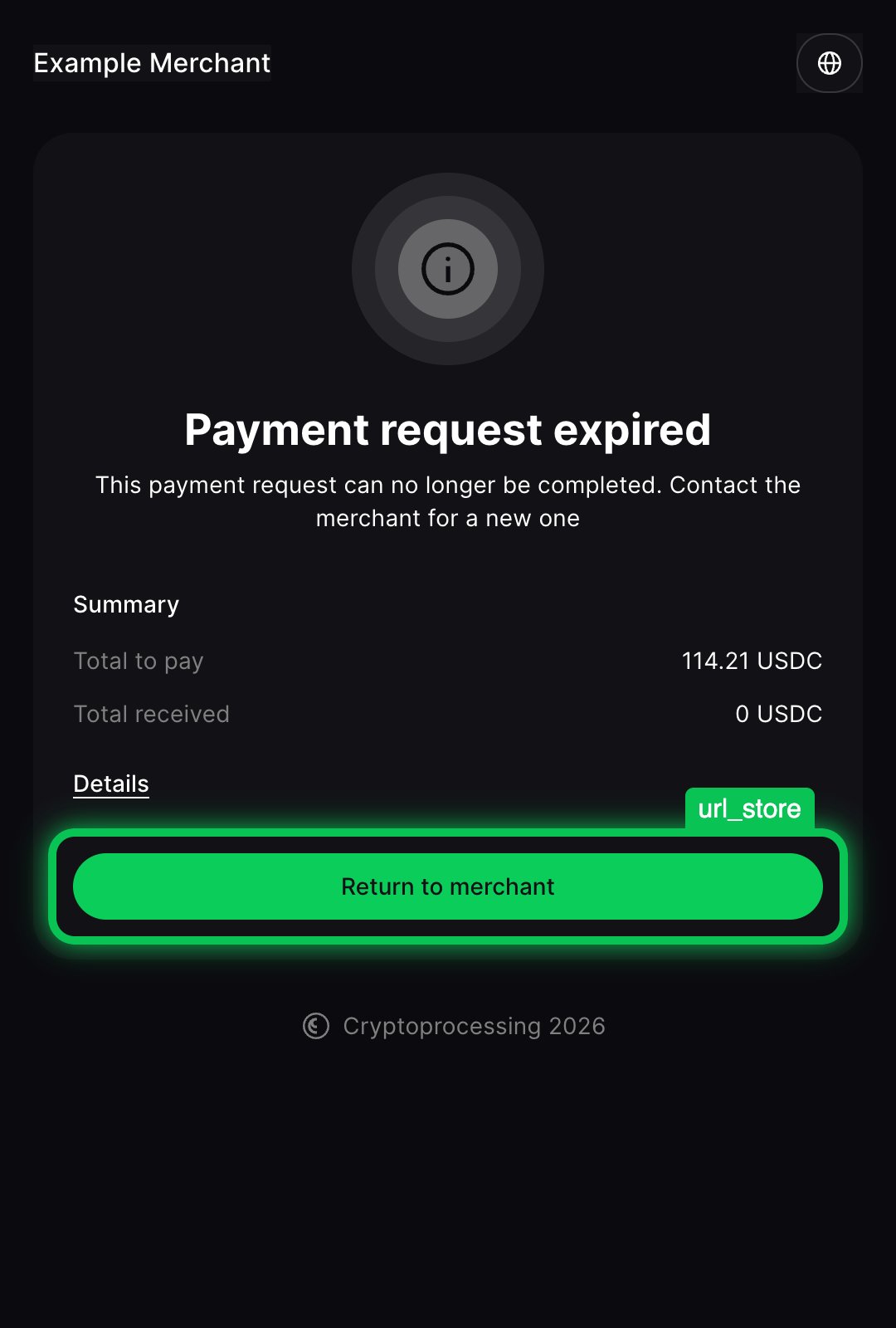
It is not guaranteed that the customer will click the link. Instead, they may immediately close the tab with the CryptoProcessing interface after sending the transaction. The only reliable way to get notified about the payment request status is to process API callbacks.
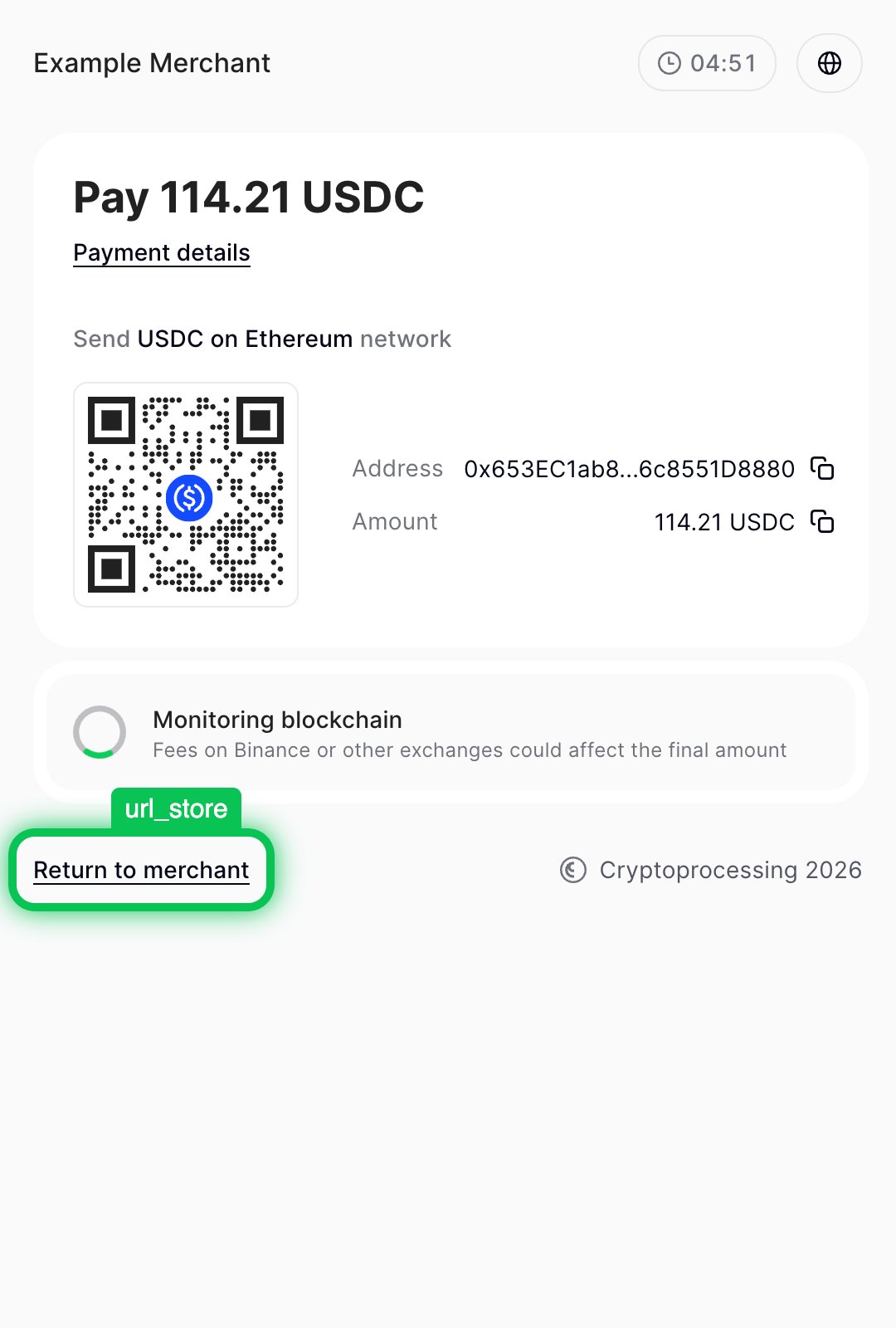
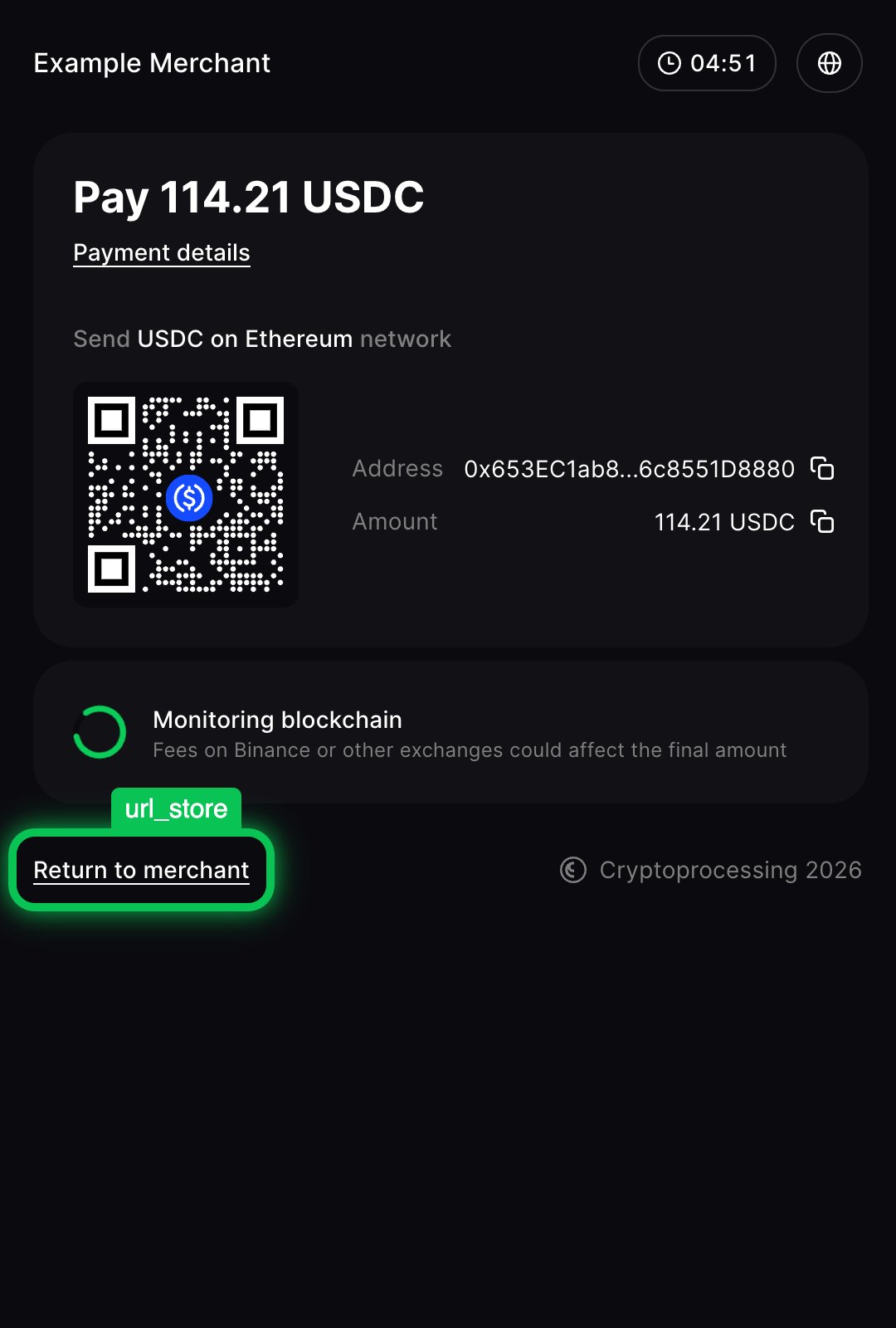
url_store
Theurl_store link will be shown under the payment request form while it is still processing (neither successful nor cancelled).
This URL is also used as the default value for url_success and url_failed in case you don’t specify them.
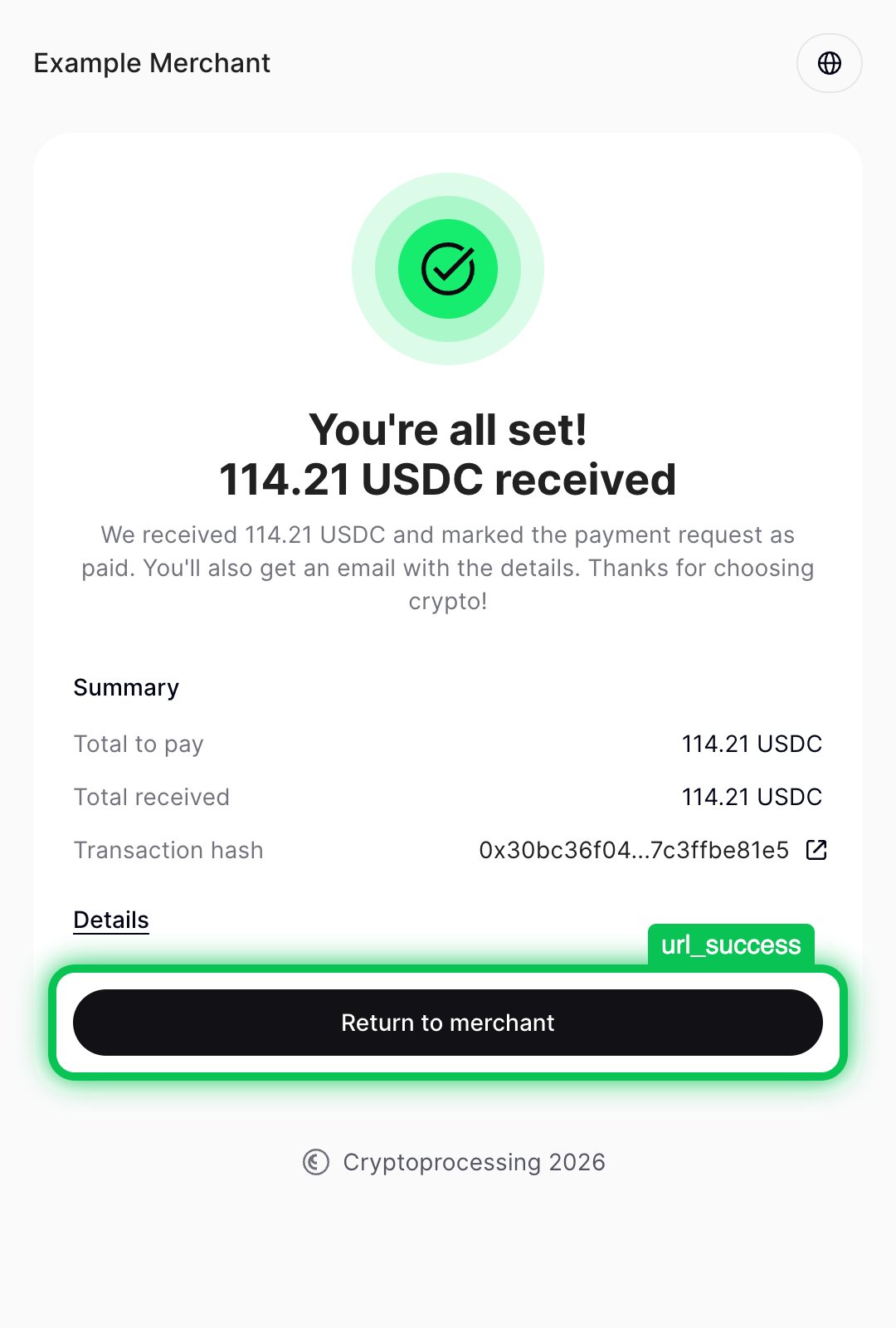
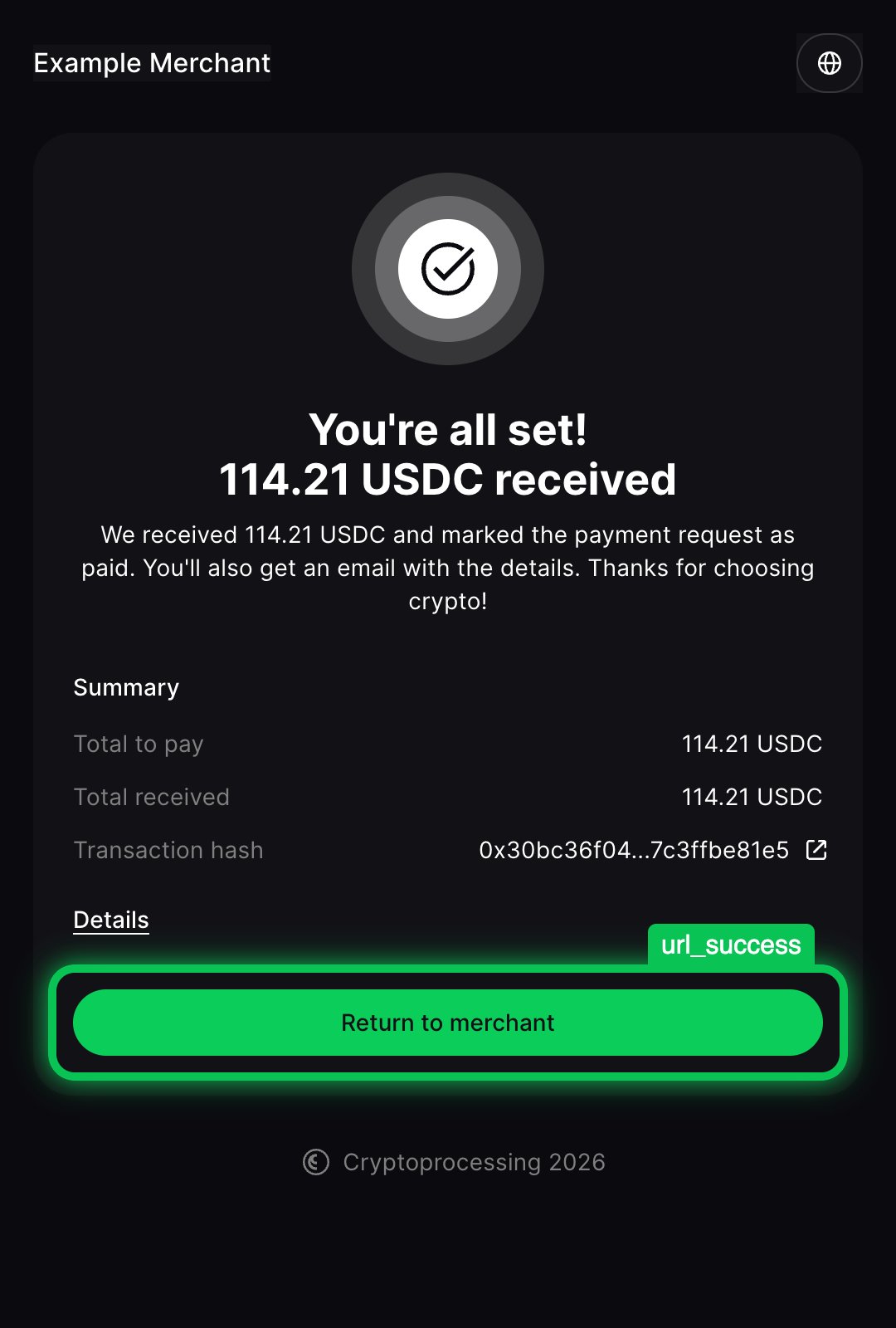
url_success
Theurl_success link will be used for the button on the final screen of the payment request interface.
A customer only sees this button when they successfully completed the payment request. Your site will have already received the callback with the paid status.
url_failed
Theurl_failed link will be used for the button on the ‘Payment request expired’ screen.
A customer only sees this button when they failed to fulfill the payment requirement within the lifespan. Your site will have already received the callback with the failed status.