See also: About payment requests, Create a payment request, Create a payment request refund, Payment request callbacks

When refunds can be issued

  • If your customer underpays a payment request or pays too late, they will be entitled to a full refund.
  • If they overpay, they will receive a partial refund for the overpaid amount.
CryptoProcessing will handle those cases automatically. Your customer will receive an email with a link instructing them on how to claim their refund. You can also issue manual refunds for completed payment requests. For example, you can issue refunds for cancelled orders or to settle disputes. You can optionally include a refund reason your customers will see. For more details, see Create a payment request refund.

What to expect

  • Your customer will receive the refund in the currency they paid in. You will be charged in the payment request currency (that you received). CryptoProcessing will handle all currency conversions automatically.
  • Since refunds are blockchain transactions, standard CryptoProcessing fee rates will apply. For more details, see your payment request terms and About network fees. The total fee amount will be deducted from the refund amount your customer receives.

What your customer will see

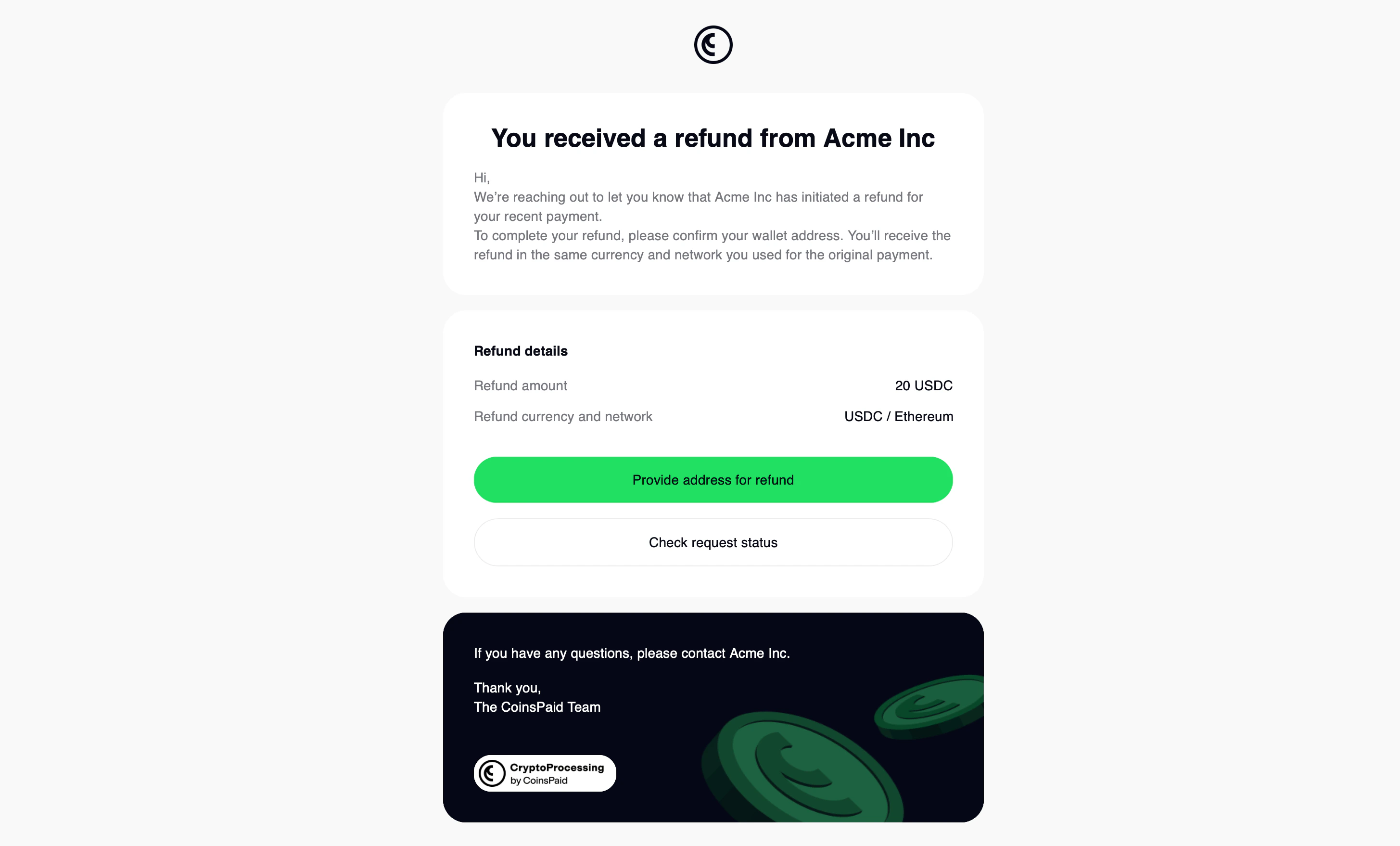
Your customer will receive an email with a link to claim their refund. The email will include the reason they’re entitled to a refund, the amount they can claim and other details. If your customer is entitled to an automatic refund, they’ll receive the email as soon as their payment is processed. If you manually issued a refund, they’ll receive the email as soon as your request is processed.
Cryptoprocessing Refunds
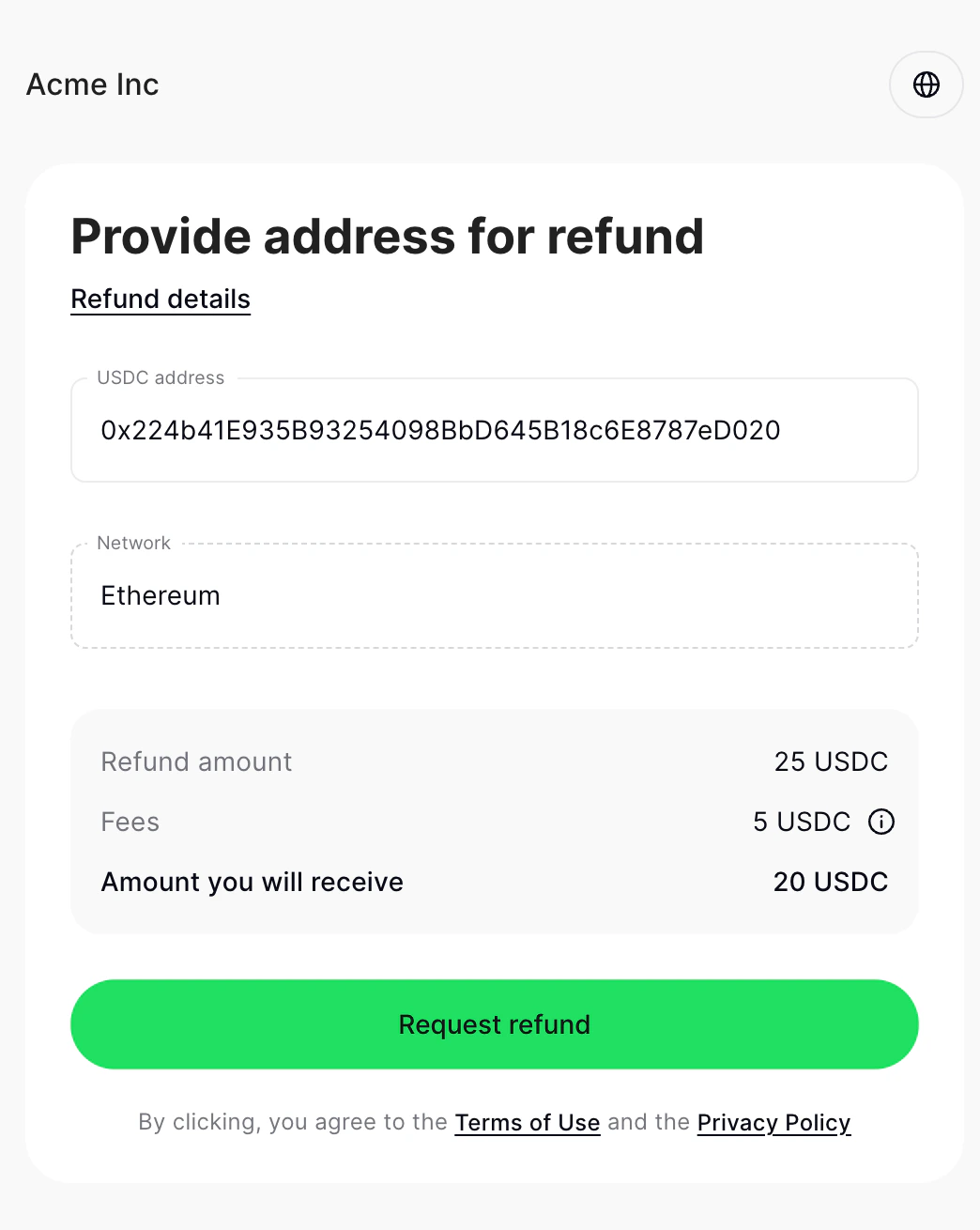
When your customer clicks the link, they will be prompted for their crypto address. Once they provide the address, CryptoProcessing will initiate the refund. Your customer will receive an email when it’s completed.
Cryptoprocessing Request Refund

About refund statuses

StatusDescription
creatingThe refund request was created. You will receive either this status or not_created when you issue the refund.
not_createdThe refund request couldn’t be created. Double-check the details and make sure you have enough funds on your balance to issue the refund. You will receive either this status or creating when you issue the refund.
waiting_for_customerCryptoProcessing sent your customer an email with a link to claim their refund.
in_progressYour customer opened the email, clicked the link and entered their details. The refund is being processed.
completedThe refund has been successfully completed.
failedThe refund couldn’t be completed.
cancelledThe refund was cancelled.
Last modified on April 2, 2026