For extra security, whitelist IP addresses for your API key. Once you whitelist any IP addresses, CryptoProcessing will only accept API requests coming from these addresses and block all other requests. Even if someone got unauthorised access to your API key, they would not be able to use it without also being able to access the IP addresses you whitelisted.
If you do not whitelist any IP addresses, CryptoProcessing will accept API requests coming from all addresses.
To whitelist IP addresses:
On the API keys tab, click the Edit button next to the active key.
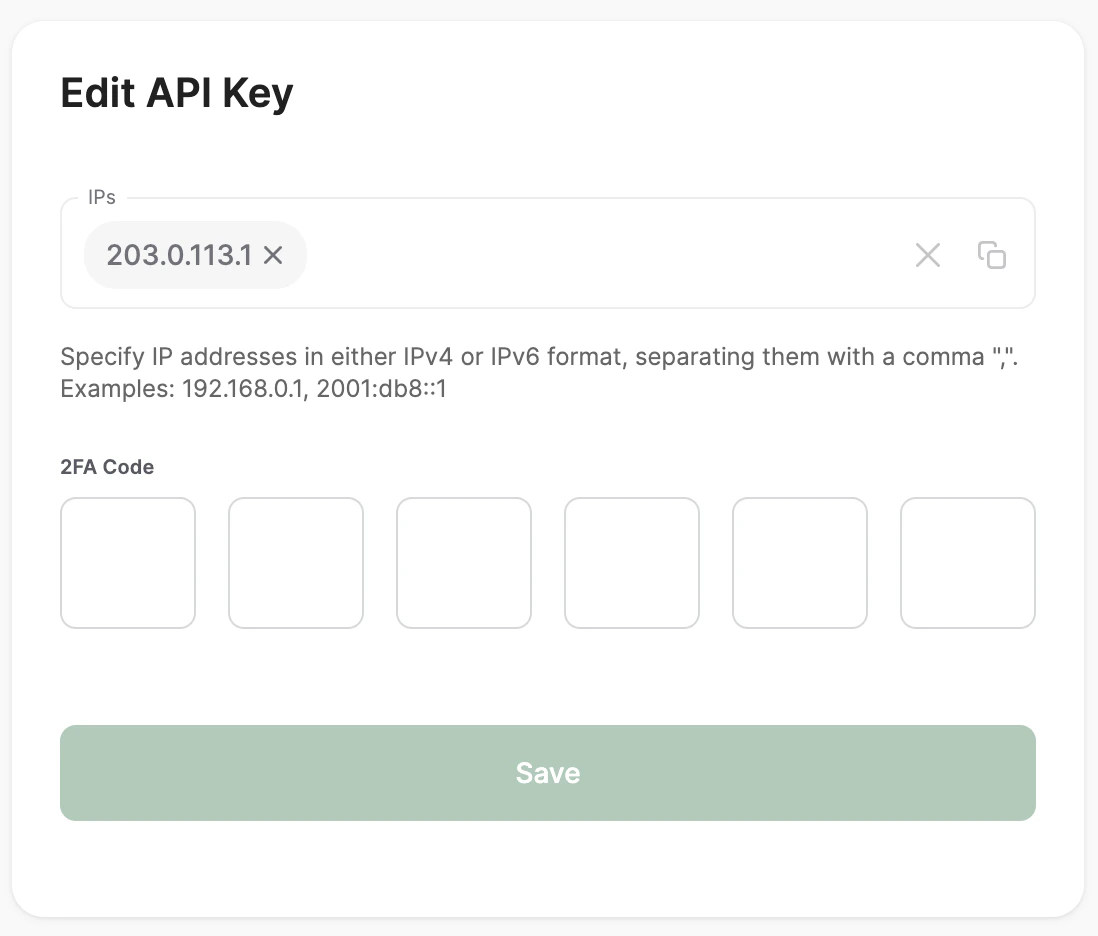
In the IPs field, your list of IP addresses separated by commas. You can whitelist the IP addresses of the servers that host your e-commerce platform, payment gateway or any system that integrates with CryptoProcessing. If you use a cloud service or a hosting provider, you can get these IP addresses from your service provider’s documentation or support team. Do not list your customers’ IP addresses.
Enter your 2FA code and click Save.
Last modified on June 14, 2026

