> ## Documentation Index
> Fetch the complete documentation index at: https://docs.cryptoprocessing.com/llms.txt
> Use this file to discover all available pages before exploring further.
# Set up notifications
In the Notifications tab, you can set up notifications to make managing your balance easier.
 ## Set up notifications
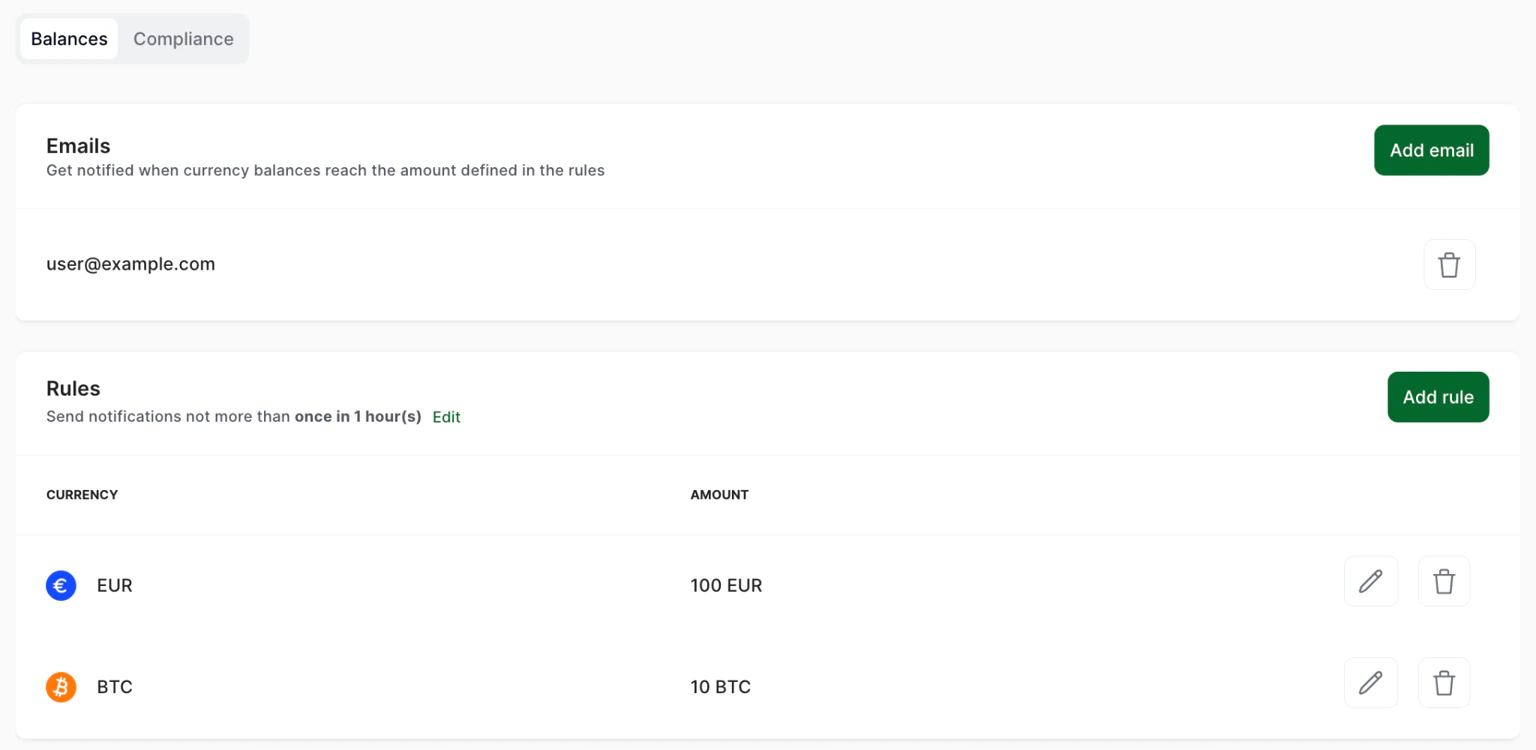
To receive notifications, you need to add at least one notification email address.
1. In your merchant account, click **Settings** on the navigation panel.
2. Click **Notifications**.
3. Click **Add rule**.
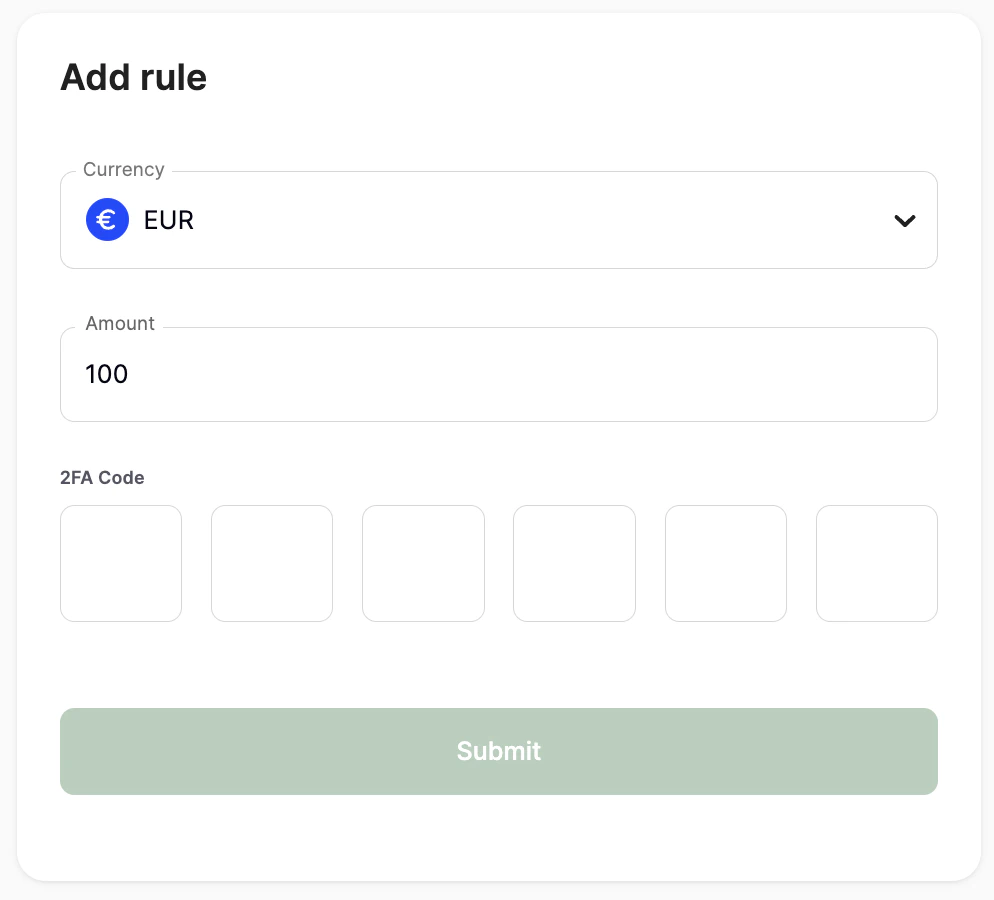
4. In the pop-up window, enter the target amount you want to be notified about. Enter your 2FA code and click **Submit**.
## Set up notifications
To receive notifications, you need to add at least one notification email address.
1. In your merchant account, click **Settings** on the navigation panel.
2. Click **Notifications**.
3. Click **Add rule**.
4. In the pop-up window, enter the target amount you want to be notified about. Enter your 2FA code and click **Submit**.