> ## Documentation Index
> Fetch the complete documentation index at: https://docs.cryptoprocessing.com/llms.txt
> Use this file to discover all available pages before exploring further.
# Contact support
You can always reach the Support team by emailing [support@cryptoprocessing.com](mailto:support@cryptoprocessing.com) — even if you don't have access to the merchant dashboard.
If you have a question or run into an issue, the fastest way to reach the CryptoProcessing team is the support widget available on every page of the merchant dashboard.
Click the chat icon in the bottom-right corner of any page.
 Select **Send us a message** or **Create a ticket**, depending on how you'd like the Support team to follow up.
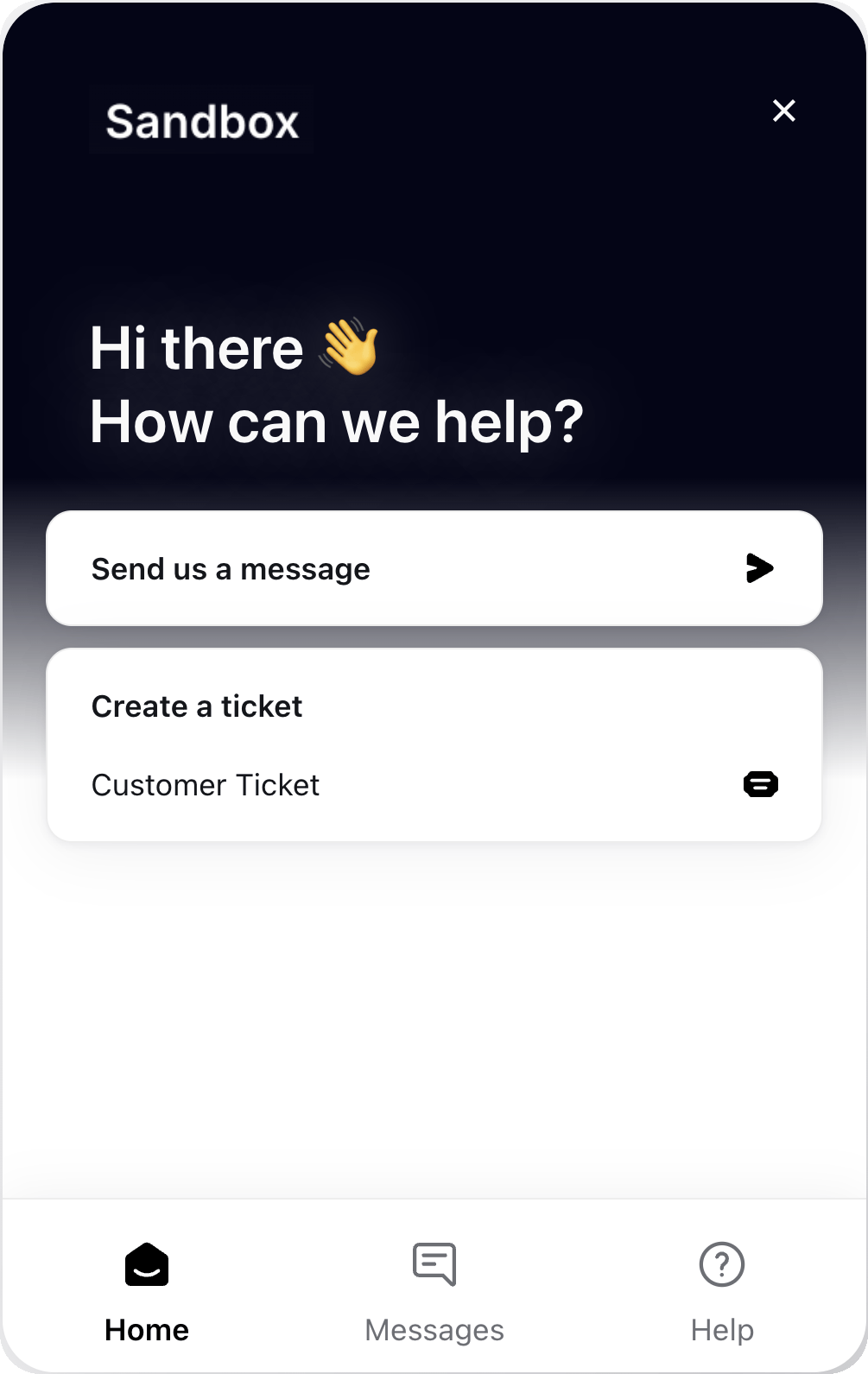 Starts a live chat with the Support team. Use this for quick questions or when you need a fast response.
Submits a tracked support ticket. Use this for issues that need investigation, since you'll get updates by email and can follow the ticket's progress over time.
Starts a live chat with the Support team. Use this for quick questions or when you need a fast response.
Submits a tracked support ticket. Use this for issues that need investigation, since you'll get updates by email and can follow the ticket's progress over time.